Preparing Visa Documents in Nepal: Scans, PDFs and Sizes
By Bishal Neupane · · 2 min read
Most visa applications from Nepal are now submitted online, and a surprising number are delayed by unreadable scans, wrong file types or uploads that are too large. A little preparation avoids all three.
Documents you'll typically scan
Requirements depend on the country and visa type, but applicants from Nepal commonly upload:
- Passport bio page and previous visas
- Citizenship certificate (both sides)
- Bank balance certificate and bank statements
- Tax clearance, PAN and property valuation documents
- Relationship certificate and sponsor's documents
- Employment letter, leave approval or business registration
- Academic documents for student visas
Read the portal's rules first
Before scanning, note the accepted file types (usually PDF, sometimes JPG), the maximum size per file, the maximum number of files and whether colour is required. Build your files to fit those rules rather than fixing rejected uploads later.
Build clear, logical PDFs
- Scan each document in colour at 200–300 DPI, or use Scan to PDF on your phone.
- Group documents by category and combine each group with Merge PDF. Put bank statements in date order.
- For long files, add your name and passport number to every page with Header & Footer so loose pages can't be mixed up.
Staying under size limits
- Run large scans through Compress PDF. When the portal states a limit, choose Target file size and enter it, for example 500 KB.
- Remove blank backs and pages nobody asked for with Remove Pages.
- Rescan at 200 DPI instead of 600; it's still clear and far smaller.
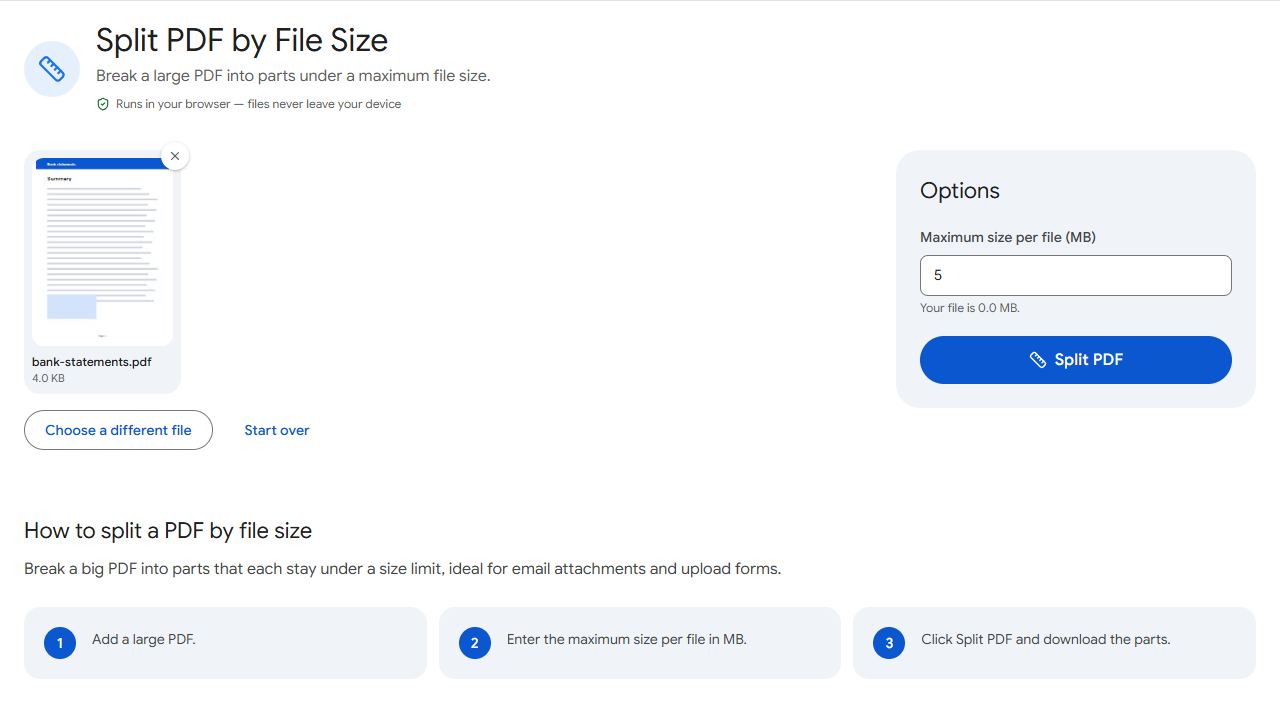
- If a category allows several files, use Split by Size to cut a big PDF into parts under the limit, and name them "part 1 of 2", "part 2 of 2".
Use English letters, numbers, hyphens and underscores in file names. Portals often reject names with spaces, Devanagari or symbols.
Common problems and fixes
- The upload fails without a clear error.
- The file is probably over the size limit or has an unusual name. Check the limit and rename it using English letters, numbers and hyphens only.
- My scanned bank statement is hard to read.
- Rescan at 300 DPI in colour, with the page flat and evenly lit. Small print needs more resolution than a letter.
- The portal allows only a few files.
- Combine related documents into one PDF per category with Merge PDF.
- A document is sideways or upside down.
- Fix it permanently with Rotate PDF before uploading.
Frequently asked questions
Usually, if they're sharp, complete and readable. Some embassies have their own rules, so check the checklist.
Many portals require colour scans, and colour is safer even when it isn't stated.
Usually yes: a certified English translation, uploaded together with the original.
Yes. Nothing is uploaded; all processing happens on your device.