Are Online PDF Tools Safe? Uploading vs. In-Browser Processing
By Bishal Neupane · · 4 min read
Contracts, bank statements, medical letters, ID scans — the PDFs people edit online are often the most sensitive files they own. Whether an online PDF tool is safe mostly comes down to one question: does your file leave your device?
Two kinds of online PDF tools
Most online PDF services are upload-based. When you add a file, your browser sends it to the company's server, the server processes it, and you download the result. Reputable services encrypt the transfer and promise to delete files after a while, but your document still sits on someone else's computer for that time, and you have to trust their deletion policy, their staff and their security.
In-browser tools work differently. The processing code is downloaded to your browser, and your file is opened and changed right there on your device, using JavaScript and WebAssembly. The file is never sent anywhere, so there is nothing to intercept, store or leak. Every tool on PDFCraftly works this way.
How to check where your file goes
You don't have to take a website's word for it. Any desktop browser can show you every request a page makes:
- Open the tool page and press F12 (or right-click → Inspect) to open Developer Tools.
- Choose the Network tab and clear the list.
- Add your PDF and run the tool.
- Look at the requests. An upload shows up as a large POST request, roughly the size of your file. An in-browser tool shows no such request.
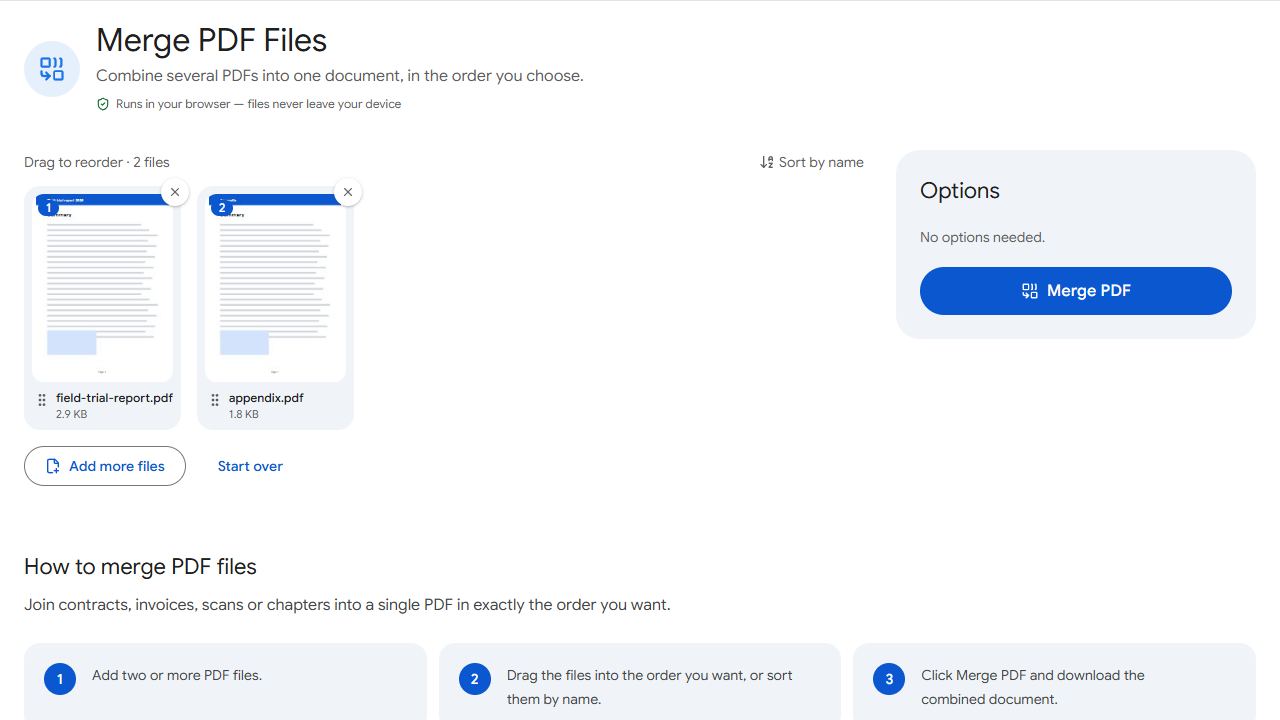
Try it with a PDFCraftly tool such as Merge PDF: you'll see no upload at all. The only outside request the tools make is OCR fetching its language data from a CDN the first time you use it.
Other things to look for
- HTTPS — the padlock in the address bar. Without it, even the page itself can be tampered with.
- A clear privacy policy that says what happens to your files, in plain language.
- No account required for simple jobs. Sign-ups mean more of your data stored somewhere.
- No surprise watermarks or paywalls after you've already done the work.
When in-browser processing isn't enough
Some jobs genuinely need server software, such as converting Word files with complex layouts. If you must use an upload-based service for a sensitive document, remove pages you don't need first with Remove Pages, and prefer services that state a short, specific deletion time.
For everyday tasks — merging, splitting, signing, filling forms, adding page numbers — an in-browser tool gives you the same result without the risk.
Common problems and fixes
- A site says files are "deleted after one hour" — is that safe enough?
- It depends on the document. The file still travels over the internet and sits on a server for that hour, and you can't verify the deletion. For contracts, IDs, medical or financial papers, prefer a tool that processes files on your device so the question never arises.
- The Network tab shows lots of requests even with an in-browser tool.
- That's normal: the page loads its own code, fonts and icons. What matters is whether a request carries your file. Look at the size column — an upload is roughly as large as your PDF and is usually a POST request to an address with "upload" or "api" in it.
- I'm on a phone and can't open Developer Tools.
- Phones hide these tools. Check once on a computer, or try airplane mode: open the tool page first, switch on airplane mode, then process a file. If it still works, nothing was uploaded.
- My company blocks uploads to file-conversion websites.
- Many companies block these sites because of data-leak risk. An in-browser tool doesn't upload anything, but still check with your IT team before using any online tool with work documents — policies differ.
Frequently asked questions
An upload-based tool can, because its server opens the file to process it. An in-browser tool processes the file with code running on your own device, so the website's owner never receives the document.
HTTPS protects the file while it travels, so nobody in between can read it. It doesn't control what happens after the file arrives on the server. That's why not uploading at all is the stronger guarantee.
Once the tool page has loaded, most processing needs no internet connection. Some features download extra data the first time — on PDFCraftly, OCR fetches its language files once.
Desktop software also keeps files on your computer, so it's comparable to an in-browser tool for privacy. The trade-offs are cost, installation and updates. In-browser tools give the same privacy without installing anything.