Free Adobe Acrobat Alternatives for Everyday PDF Jobs
By Bishal Neupane · · 2 min read
Adobe Acrobat Pro can do almost anything with a PDF, but most people only need a handful of jobs a few times a month. Here's what's free, what isn't, and when a subscription is worth it.
What free Acrobat Reader already does
Adobe's free Acrobat Reader opens PDFs, fills in forms, adds a signature and lets you comment and highlight. For reading and signing, you may not need anything else.
Pro features and free alternatives
- Combine files → Merge PDF.
- Reorder, rotate and delete pages → Organize PDF.
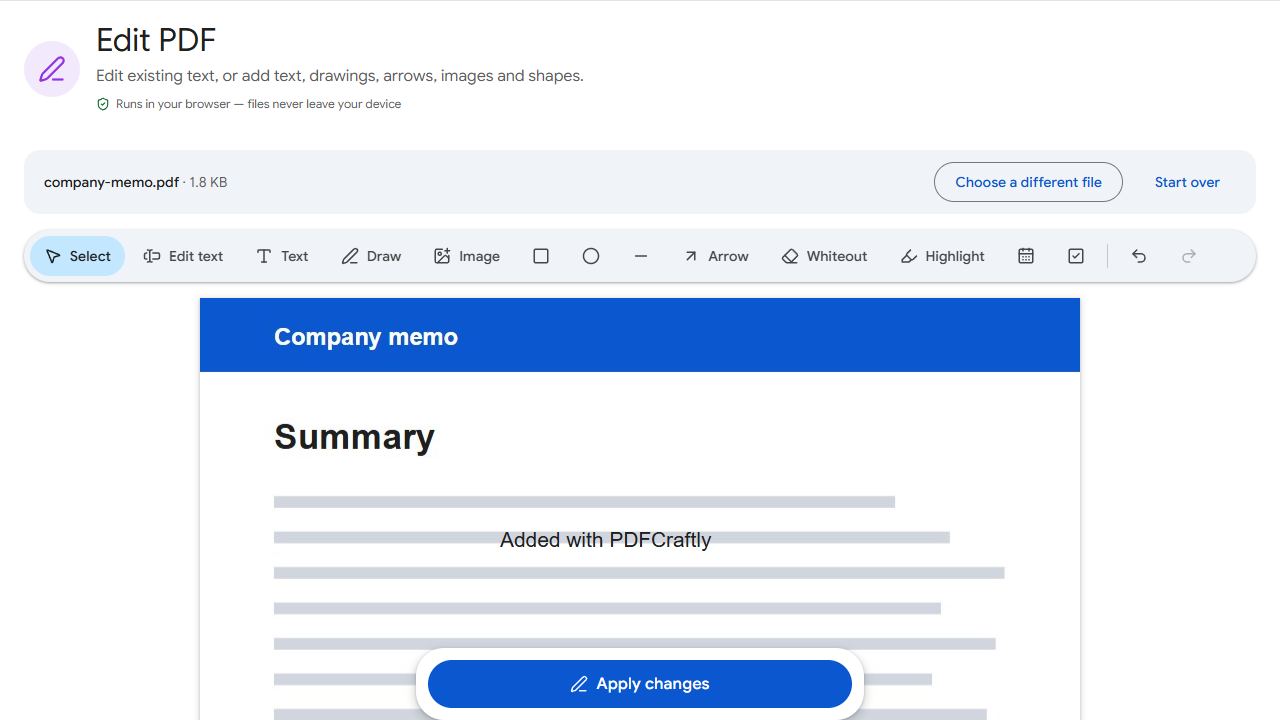
- Edit text and add images → Edit PDF.
- Make scans searchable (OCR) → OCR PDF.
- Create fillable forms → Create Forms.
- Page numbers, headers, Bates numbers → Page Numbers, Header & Footer, Bates Numbering.
- Split documents → Split PDF and its variants.
- Reduce file size → Compress PDF.
- Add or remove a password → Protect PDF and Unlock PDF.
All of these run in your browser, free, with nothing uploaded.
Other free options on your computer
- Mac: Preview can merge, reorder, rotate, annotate and sign PDFs.
- Windows and Mac: Edge and Chrome can fill in simple forms.
- LibreOffice Draw can open a PDF and make simple layout edits.
When Acrobat Pro is worth paying for
- True redaction that permanently removes text (covering text with a box doesn't delete it).
- Certified digital signatures and advanced signing workflows.
- Converting PDFs to Word or Excel with the layout intact.
- PDF/A archiving and print-production checks.
If you do those regularly, Pro earns its price. If not, free tools cover the rest.
PDFCraftly isn't affiliated with Adobe. Acrobat is a trademark of Adobe.
Common problems and fixes
- I need to redact confidential text.
- Covering text with a box leaves it in the file. Use a tool with true redaction, such as Acrobat Pro, or remove the whole page with Remove Pages.
- I need a PDF converted to Word with the layout intact.
- That requires server-side conversion. PDFCraftly can extract the text with PDF to Text, but not the layout.
- A form won't fill in Reader.
- It may not have real fields. Add them with Create Forms, or type on the page with Edit PDF.
- My organisation requires Acrobat.
- Follow your organisation's policy. Free tools are best for personal use and for jobs your organisation allows.
Frequently asked questions
Yes. Reader is free for viewing, filling in forms, signing and commenting. Editing and converting need a paid plan.
For small changes, yes. Edit PDF lets you change existing text, matching its size, style and colour.
Preview is built in, and browser tools work in Safari, Chrome and Firefox.
No. It's an independent site.